Also available in Español
Chapter 9: Problems and Solutions
Quick diagnosis of the most common problems in PageGenius, organized by area.
Index of Problems
Example sites built with PageGenius:

| Section | Problems covered |
|---|---|
| Sign Up and Login | No email, can't log in, forgot password |
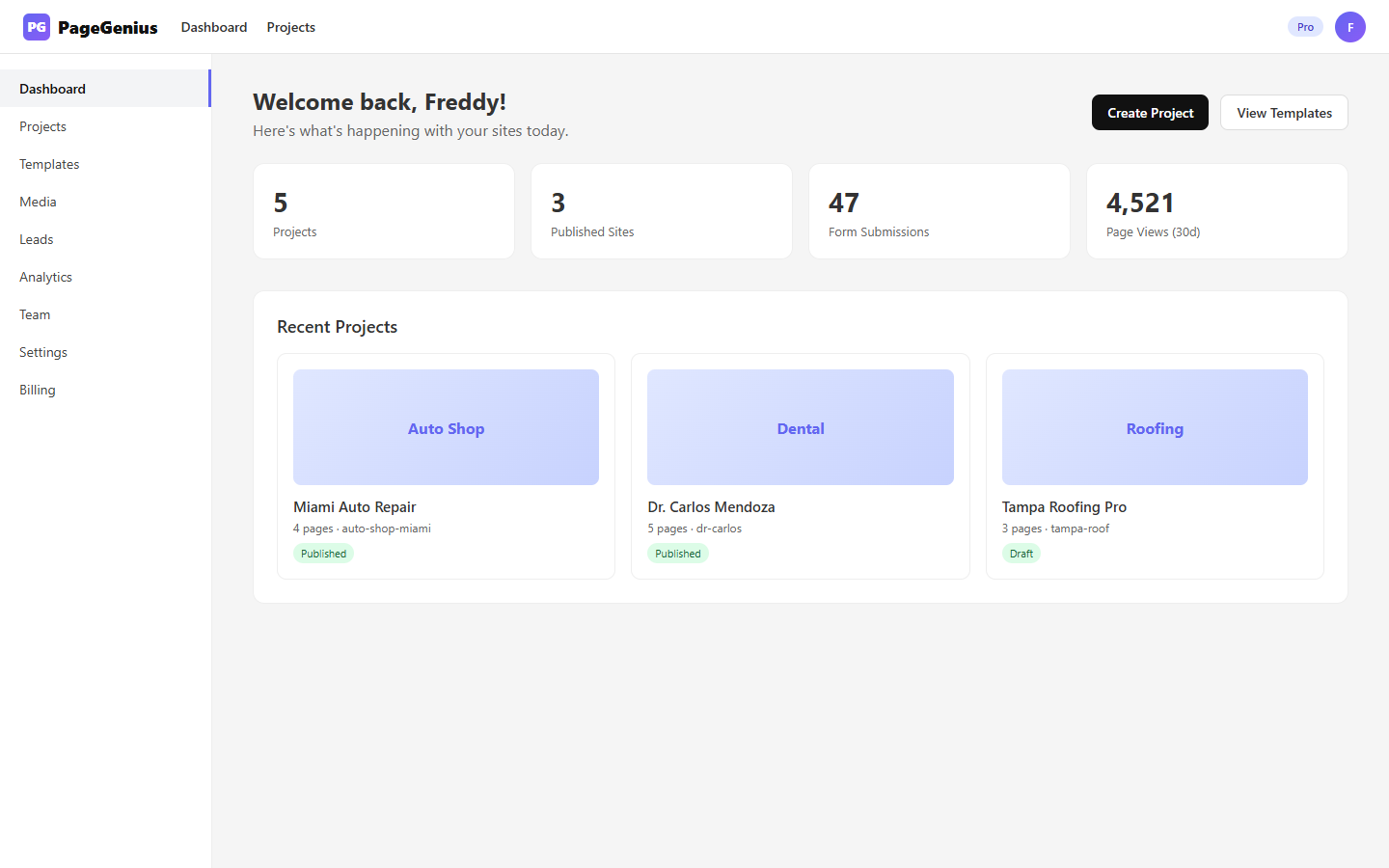
| Dashboard | Stats at 0, quick actions don't work, plan badge wrong |
| Projects and AI | AI fails, can't create more, project stuck generating |
| Builder | Widget not showing, save vs publish, slow, undo not working |
| Widgets | Blurry image, button goes nowhere, form doesn't send |
| Publishing | Publish fails, site slow, 404 |
| Domains | Pending DNS forever, SSL doesn't appear, domain already in use |
| Analytics and Leads | Stats at 0, email doesn't arrive, leads duplicated |
| Team and Billing | Can't invite, payment rejected, downgrade lost projects |
| Code Errors | Custom Code broke everything, CSS doesn't apply, JS doesn't run |
Sign Up and Login
"I didn't receive the verification email"
Diagnosis:
- Check spam/promotions/updates
- Wait 5 minutes
- Click "Resend code"
If it still doesn't arrive:
- Did you try Gmail? Check the "Updates" tab
- Did you try a corporate email? Your firewall may be blocking the sender
[email protected] - Final solution: Sign up with Google Sign-In (no email verification required)
"I forgot my password"
- On the login screen, click "Forgot your password?"
- Enter your email
- We send you a link to reset it
"My Google account doesn't work"
- Cause: The Google email is associated with another PageGenius account.
- Solution: Use email/password login, or contact support to merge accounts.
Dashboard
"My stats are at 0 but I already published"
- Wait 24h. Stats are calculated on a 30-day window. If you published today, there's no data yet.
- Refresh the page (F5). Sometimes browser cache doesn't show the latest.
- Check that the site has real traffic. Share the URL and wait for visits.
"The 'Generate with AI' button does nothing"
- Cause: You've reached your plan's AI generation limit.
- Solution: Free = 1 generation total. Pro = 10/month. Agency = 999/month. Upgrade or wait for next month.
Projects and AI
"The AI generated generic content"
Your description was probably:
- ❌ "A business"
- ❌ "A company"
- ❌ "A store"
Improve it like this:
- ✅ "Auto repair shop in Miami that fixes AC, brakes, and transmissions. Open Saturdays. We handle emergencies."
- ✅ "Dental clinic in Houston that accepts Aetna and Cigna insurance. Specialists in same-day implants and invisible braces."
"The AI took too long and failed"
- Wait 1 minute
- Retry
- If it fails 3 times, contact support (may be a Groq/Gemini outage)
"My project got stuck on 'Generating...'"
- Refresh the page
- If it appears incomplete, delete it and regenerate
- Don't worry: the AI didn't charge you a generation if it failed
"I can't create more projects"
- Free = 1 | Pro = 10 | Agency = 100
- Solution: Delete old projects or upgrade
Builder
"I saved but changes don't appear live"
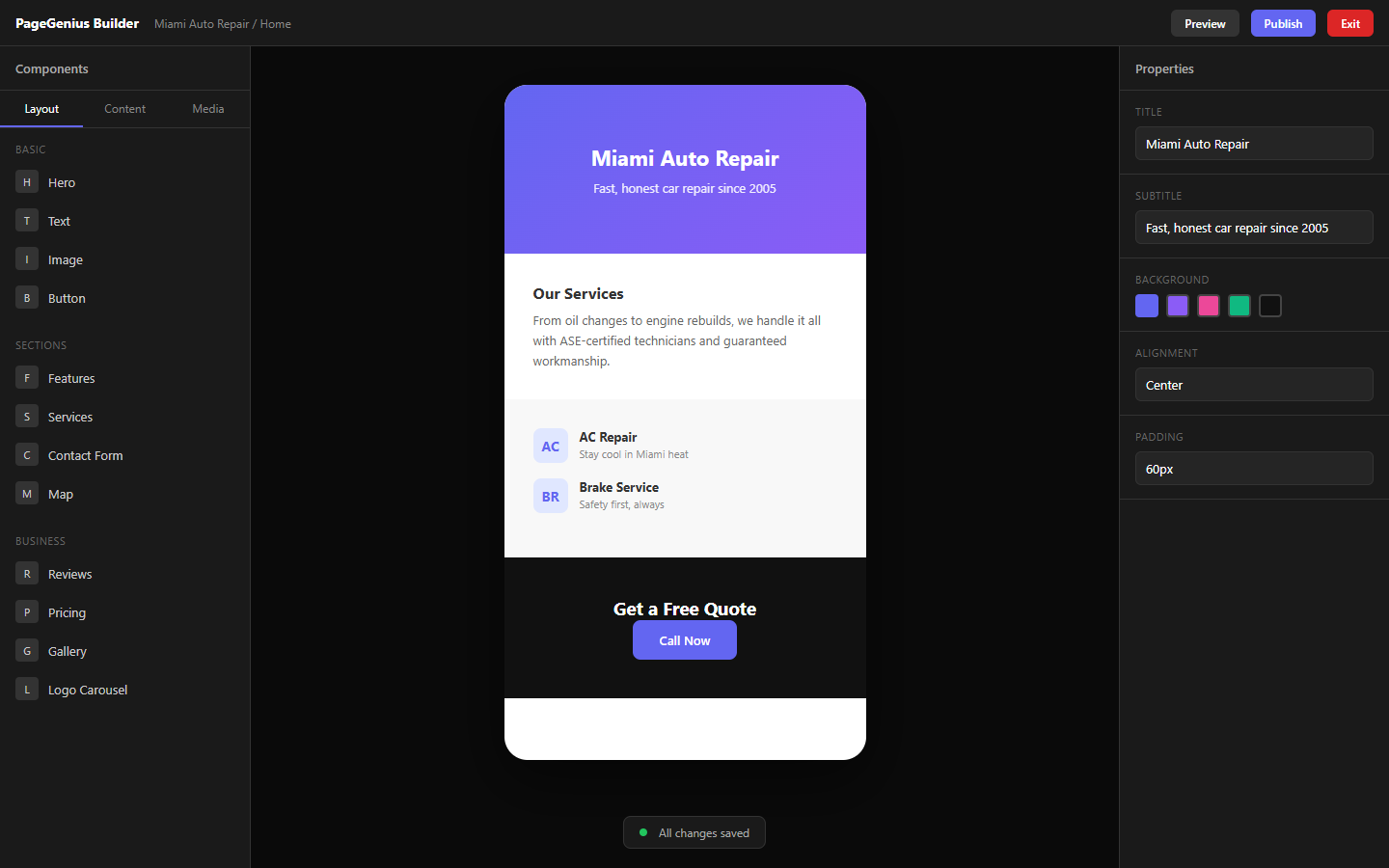
Save ≠ Publish.
- Save = saved in the builder (only you see it)
- Publish = generates live HTML (everyone sees it)
- Solution: Click "Publish" (
Ctrl/Cmd + P)
"The widget I added doesn't show"
- Check that it has content (title, text, image)
- Check that the text color isn't the same as the background
- Check that it's not "collapsed" (some widgets need at least 1 item)
"The builder feels slow"
- Reduce the number of widgets per page (recommended max: 20)
- Don't use more than 10 images per gallery
- Don't embed videos longer than 30 seconds
- Close other browser tabs
"I want to undo a change"
Ctrl/Cmd + Z= undoCtrl/Cmd + Shift + Z= redo- The builder keeps a deep history. You can undo to the start of the session.
Widgets
"The image looks blurry / pixelated"
- Cause: You uploaded a very small image.
- Solution: Upload images of at least 1200px width. The builder scales them, but doesn't improve them.
"The button doesn't go anywhere"
- Check the Link field of the button
- For WhatsApp:
https://wa.me/1234567890(no+, no spaces) - For phone:
tel:+13051234567 - For email:
mailto:[email protected]
"The form doesn't send"
- Check that all required fields are filled
- Check that there's an Email field (without email, we can't notify)
- Check that the honeypot isn't visible (if an extra field appears, it's a bot trying to spam)
"The map doesn't show my address"
- Write the full address: "123 Main St, Miami, FL 33101"
- Don't use PO Boxes
- If it still doesn't work, use the Custom Code widget with a Google Maps iframe
"Testimonials appear without photos"
- If you don't upload real photos, PageGenius shows initials with a colored background
- Recommendation: Use real photos of clients. Increases trust by 300%.
"The video doesn't play"
- YouTube/Vimeo: Check that the video is public (not private or "unlisted")
- MP4 file: Check that the file is on an accessible URL (not on a server with authentication)
- iOS: Some background videos don't autoplay on iPhone
Publishing
"Publish failed"
- Check that no widgets have empty required fields
- Check that there's no broken Custom Code
- Try again
- If it persists, contact support
"My published site looks different from the builder"
- Use "Preview" in the builder to see exactly how it will look
- Minor spacing differences are normal
- If there are big differences (colors, fonts, broken layouts), contact support
"My site returns 404"
- Cause: The project was deleted, or the slug changed.
- Solution: Check that the project exists and is published. If you changed the slug, the previous URL no longer works.
Domains
"Pending DNS for more than 2 hours"
Check your DNS:
- Go to whatsmydns.net
- Enter your domain
- Select type A
- Click Search
- If you DON'T see
195.26.248.6on most servers → the problem is at your registrar
Common causes:
- ❌ Used CNAME instead of A
- ❌ IP has spaces or is misspelled
- ❌ There's an old A record with a different IP
- ❌ On Cloudflare, you have the orange proxy turned on (set it to "DNS only")
"SSL doesn't appear (no lock)"
- Wait 30 minutes after the domain is "Active"
- If you use Cloudflare: SSL/TLS → Full (strict)
- Force HTTPS: add a redirect rule in Cloudflare
"Domain already in use"
- That domain is connected to another PageGenius project
- Solution: Go to the other project → Domains → Delete the domain → Go back to your project and add it
Analytics and Leads
"I don't receive lead emails"
- Check spam/promotions
- Check that your notification email is configured in Settings → Advanced
- Search for "PageGenius" in your email
- If you use a corporate email, your IT may be blocking the sender
"Leads appear duplicated"
- PageGenius doesn't automatically deduplicate
- Filter by email in the Leads table
- Consider adding a message to the form: "Please don't submit the form more than once"
Team and Billing
"I can't invite more members"
- Free = 1 | Pro = 5 | Agency = 20
- Solution: Remove existing members or upgrade
"My payment was rejected"
- Check that the card isn't expired
- Check that there are sufficient funds
- Try another card
- If your bank blocks Stripe, call the bank and authorize the payment
"I downgraded and lost projects"
- Free = 1 project. Others are archived (not deleted, but can't be edited).
- Solution: Upgrade again to regain access, or delete projects to stay within the limit.
Code Errors
"I added Custom Code and the site looks broken"
- Enter the builder
- Find the Custom Code widget
- Delete the code or the entire widget
- Save and republish
Common causes:
- Unclosed tags (
<div>without</div>) - CSS with
!importantthat overrides everything - JavaScript with syntax errors that breaks the rest
"My custom CSS doesn't apply"
- Check that there are no syntax errors (missing
;or}) - Check that selectors are correct
- Custom CSS applies to ALL sites in your organization
Contact Support
If none of the solutions above work:
- From the dashboard: Go to Settings → Support
- By email:
[email protected] - Information we need:
- Project or site URL
- What you were doing when it failed
- Screenshot of the error
- Browser and device (e.g., Chrome on Windows, Safari on iPhone)
Response time:
- Free plan: 48-72 hours
- Pro plan: 24 hours
- Agency plan: 4-12 hours
Quick Diagnosis Cheat Sheet
Something not working?
├── Is it just visual? → Refresh (F5) or clear cache (Ctrl+Shift+R)
├── Is it after editing? → Save and republish
├── Is it on mobile? → Try on desktop. If it works on desktop, it's responsive.
├── Is it a widget? → Check that it has content and required fields are filled
├── Is it a domain? → Check at whatsmydns.net
├── Is it a form? → Check spam and email configuration
├── Is it slow? → Reduce images/videos/widgets
└── None of this works? → Contact support
End of the English User Manual.
Spanish version: Manual de Usuario en Español